
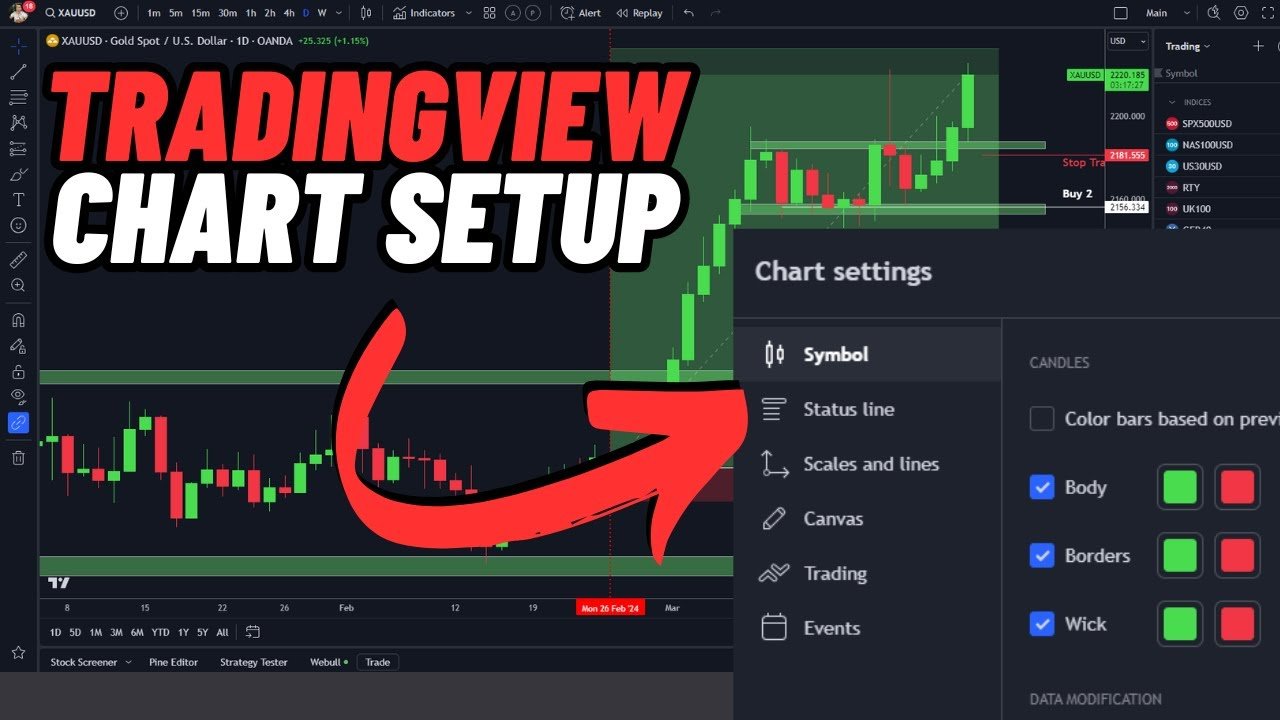
What Is TradingView?
TradingView is a leading web-based charting and social networking platform designed for traders and investors across global financial markets. It offers real-time market data, advanced charting tools, technical indicators, and a community of traders sharing insights.
Launched in 2011, TradingView has grown to become one of the most popular platforms for trading stocks, forex, cryptocurrencies, and commodities due to its intuitive interface, accessibility, and social features.
Why Use TradingView?
Traders use TradingView for several reasons:
- Advanced Charting Tools – Draw trend lines, analyze price patterns, and use over 100+ technical indicators.
- Multi-Market Support – Access stocks, forex, crypto, commodities, and indices worldwide.
- Customizable Interface – Personalize chart layouts and dashboards for better trading experience.
- Alerts – Set price alerts on any asset for timely trades.
- Social Community – Follow expert traders, view trade ideas, and share strategies.
Key Features of TradingView
1. Real-Time Market Data
TradingView offers real-time data from major exchanges. Users can monitor live price movements for stocks, forex pairs, crypto, and commodities.
2. Advanced Charting
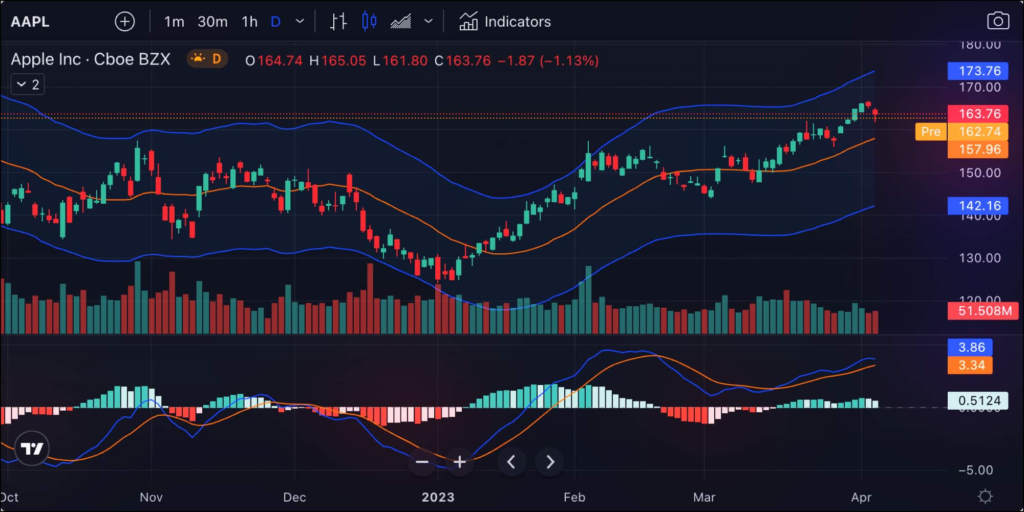
TradingView charts are highly customizable. Key features include:
- Candlestick, line, and bar charts
- Trend lines and shapes
- Fibonacci retracements
- Technical indicators like RSI, MACD, EMA, and Bollinger Bands
3. Alerts & Notifications
Users can set price alerts via email, SMS, or app notification. TradingView allows conditional alerts based on complex criteria, helping traders act promptly.
4. TradingView Scripts (Pine Script)
Pine Script allows traders to create custom indicators and strategies. You can:
- Automate alerts
- Design personalized technical indicators
- Backtest strategies on historical data
5. Social Networking Features
The platform’s social aspect allows traders to:
- Publish trade ideas
- Comment on others’ strategies
- Join discussions in trading communities
- Follow top traders for inspiration
TradingView Plans and Pricing
TradingView offers several subscription tiers:
| Plan | Features | Price (Approx) |
|---|---|---|
| Free | Basic charts, limited indicators | $0 |
| Pro | More indicators, alerts, ad-free | $14.95/month |
| Pro+ | Multiple charts, extended alerts | $29.95/month |
| Premium | Unlimited alerts, advanced features | $59.95/month |
Even free users can access powerful charting tools, but premium plans are ideal for active traders.
How to Use TradingView Effectively
Step 1: Sign Up
Create a free account to access charts, indicators, and community features.
Step 2: Choose Your Market
Select the asset you want to analyze: stocks, crypto, forex, or commodities.
Step 3: Customize Charts
- Add technical indicators
- Adjust time frames
- Use drawing tools for trend lines and support/resistance levels
Step 4: Set Alerts
Set price alerts for assets to stay informed about critical market movements.
Step 5: Join the Community
Engage with other traders, view ideas, and improve your trading knowledge.
TradingView vs Other Platforms
| Feature | TradingView | MetaTrader 4/5 | ThinkorSwim |
|---|---|---|---|
| Web-Based | ✅ | ❌ | ❌ |
| Social Features | ✅ | ❌ | ❌ |
| Market Coverage | Stocks, Crypto, Forex, Commodities | Forex & CFDs | Stocks, Options, Futures |
| Alerts | ✅ | ✅ | ✅ |
| Pine Script | ✅ | ❌ | ❌ |
TradingView is ideal for traders who value flexibility, social interaction, and multi-market coverage.
Trading_View Mobile App
Trading_View offers iOS and Android apps with almost all desktop features:
- Real-time charts
- Price alerts
- Social interaction
- Watchlists
- Custom indicators
Mobile apps make trading and analysis convenient on-the-go.
Trading_View for Beginners
For newcomers:
- Start with the free plan
- Focus on basic charting tools
- Learn technical indicators gradually
- Follow expert traders for ideas
- Avoid overcomplicating setups
TradingView’s user-friendly interface helps beginners learn and trade efficiently.
Trading_View Tips for Experienced Traders
- Use multiple time-frame analysis
- Combine indicators for better accuracy
- Backtest strategies using Pine Script
- Customize dashboards for quick analysis
- Engage in the community to spot trends early
Pros and Cons of Trading_View
Pros
- Web-based and easy to access
- Multi-market support
- Advanced charting and alerts
- Social trading community
- Free version available
Cons
- Full features require subscription
- Overwhelming for complete beginners
- Some data may be delayed on free plan
Security and Privacy on Trading_View
Trading_View uses encryption and secure servers. Users should:
- Enable two-factor authentication
- Avoid sharing login credentials
- Be cautious of third-party scripts
Frequently Asked Questions About Trading_View
Q1: Is Trading_View free?
A: Yes, with limited features. Premium plans unlock advanced tools.
Q2: Can I trade directly from Trading_View?
A: Trading_View supports integration with some brokers for direct trading.
Q3: Does Trading_View offer crypto charts?
A: Yes, it supports all major cryptocurrencies with real-time updates.
Q4: What is Pine Script?
A: A scripting language used on Trading_View to create custom indicators and strategies.
Conclusion
Trading_View is one of the most versatile and powerful platforms for traders of all experience levels. Its combination of advanced charting, social networking, and multi-market coverage makes it ideal for stock, crypto, forex, and commodities traders.
By using Trading_View effectively, traders can make informed decisions, follow experts, backtest strategies, and stay ahead in the fast-moving financial markets.
