
Introduction to Xbox Cloud Gaming
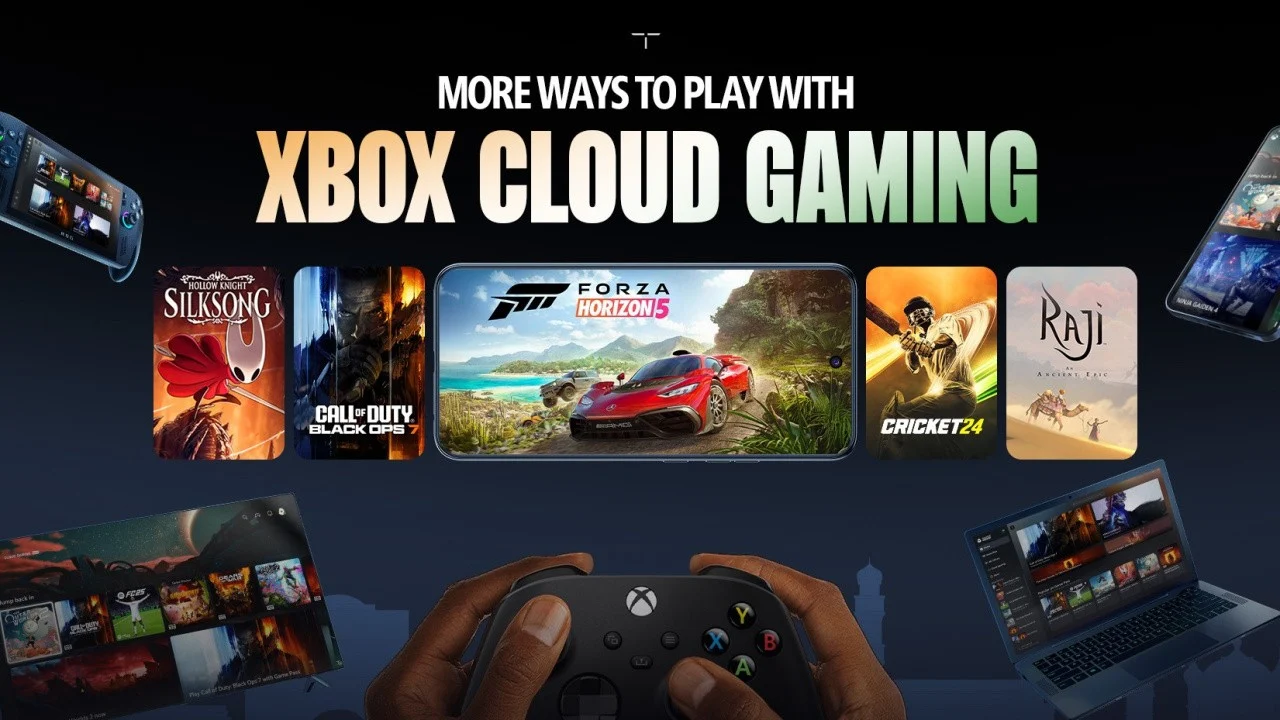
The gaming industry has changed dramatically over the last decade, and one of the biggest revolutions is cloud-based gaming. Among the leading services in this space is Xbox Cloud Gaming, a technology that allows players to stream high-quality console games directly to their devices without needing a powerful gaming console or PC.
Instead of downloading large game files or investing in expensive hardware, players can simply connect to the internet and start playing instantly. This shift is not just convenient—it is transforming how people access and experience games worldwide.
,We will explore everything about Xbox Cloud Gaming, including how it works, its benefits, supported devices, setup process, limitations, and future potential.
What is Xbox Cloud Gaming?
Xbox Cloud Gaming is a cloud streaming service developed by Microsoft as part of its Xbox ecosystem. It allows users to play Xbox games on various devices by streaming them from remote servers rather than running them locally.
In simple terms, the games are executed on powerful Microsoft servers, and the video output is streamed to your device in real time. Your inputs (controller or touch commands) are sent back to the server instantly, creating a seamless gaming experience.
This means you can enjoy console-quality games on smartphones, tablets, low-end PCs, and even smart TVs.
How Xbox Cloud Gaming Works Behind the Scenes
To understand the power of Xbox Cloud Gaming, it helps to break down its working mechanism:
- Game Runs on Remote Servers
The actual game is hosted on Microsoft’s high-performance data centers. - Video Stream Sent to Your Device
The gameplay is encoded into a video stream and transmitted over the internet. - User Input is Sent Back Instantly
When you press a button or move a joystick, that input is sent back to the server in milliseconds. - Real-Time Synchronization
The server updates the game state and sends back the updated visuals.
This entire process happens in real time, making it feel like you’re playing locally—provided you have a stable internet connection.
Key Features of Xbox Cloud Gaming
1. No Need for High-End Hardware
One of the biggest advantages is that you don’t need a powerful console or gaming PC. Even budget smartphones can run AAA games smoothly.
2. Instant Access to Games
No long downloads or installations. Just select a game and start playing immediately.
3. Cross-Device Playability
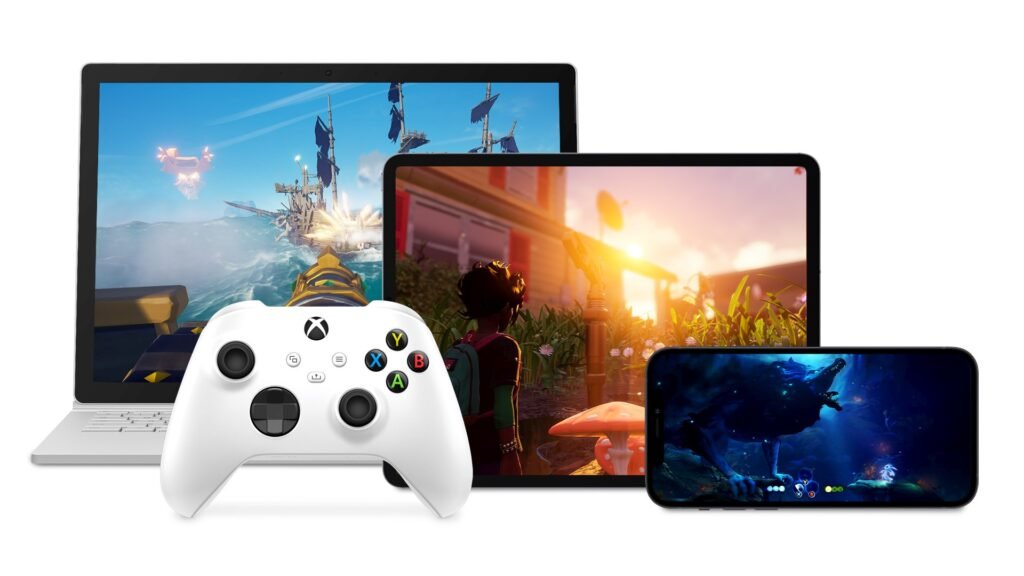
You can switch between devices seamlessly. Start playing on your phone and continue on your PC or tablet.
4. Xbox Game Pass Integration
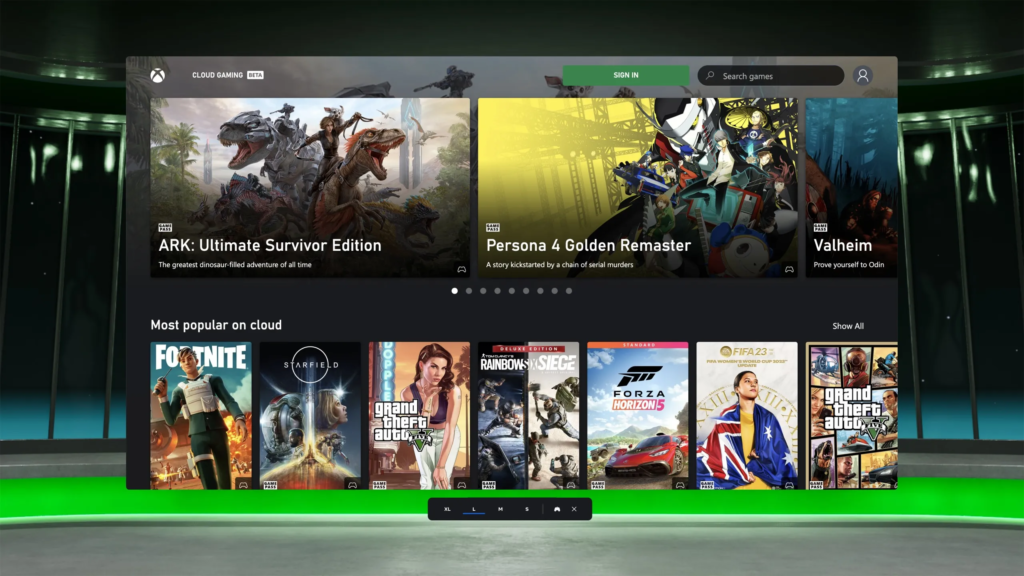
Xbox Cloud Gaming is integrated with Xbox Game Pass Ultimate, giving access to hundreds of games in one subscription.
5. Controller and Touch Support
The service supports Xbox controllers as well as touch controls for mobile devices.
Devices That Support Xbox Cloud Gaming
One of the strongest aspects of Xbox Cloud Gaming is its wide compatibility. You can use it on:
- Android smartphones and tablets
- iPhones and iPads (via browser)
- Windows PCs
- Macs (via browser)
- Smart TVs (select models)
- Xbox consoles (for cloud testing and instant play)
This flexibility makes it accessible to nearly everyone, regardless of their hardware setup.
How to Set Up Xbox Cloud Gaming
Getting started with Xbox Cloud Gaming is simple and beginner-friendly.
Step 1: Subscribe to Xbox Game Pass Ultimate
You need an active Game Pass Ultimate subscription to access cloud gaming features.
Step 2: Visit the Official Platform
Go to the Xbox Cloud Gaming website or use the Xbox Game Pass app on supported devices.
Step 3: Sign In with Microsoft Account
Use your Xbox or Microsoft account to log in.
Step 4: Connect a Controller (Optional but Recommended)
While some games support touch controls, a controller improves gameplay significantly.
Step 5: Choose a Game and Play
Browse the library and start playing instantly with one click.
Internet Requirements for Smooth Gameplay
Since Xbox Cloud Gaming relies heavily on streaming, your internet connection plays a critical role.
Recommended requirements include:
- Minimum speed: 10 Mbps
- Recommended speed: 20–50 Mbps
- Stable Wi-Fi or 5G connection
- Low latency (under 60ms preferred)
A stable connection is more important than raw speed. Even high-speed unstable internet can cause lag or buffering issues.
Advantages of Xbox Cloud Gaming
1. Cost Efficiency
You don’t need to spend hundreds of dollars on a gaming console or PC. A simple device is enough.
2. Portability
Play anywhere—at home, while traveling, or even during breaks.
3. Massive Game Library
Through Xbox Game Pass, users get access to a large collection of games across different genres.
4. No Storage Limitations
Since games run in the cloud, you don’t have to worry about storage space.
5. Always Updated Games
Games are always up-to-date on the server side.
Limitations of Xbox Cloud Gaming
Despite its advantages, Xbox Cloud Gaming is not perfect.
1. Internet Dependency
Without a stable internet connection, the experience can be frustrating.
2. Input Lag
Even slight delays can affect competitive gaming performance.
3. Not All Games Are Available
Some titles are not supported on cloud streaming.
4. Visual Compression
Since it is a streamed video, graphics may not be as sharp as native gameplay.
Xbox Cloud Gaming vs Traditional Gaming
| Feature | Xbox Cloud Gaming | Traditional Gaming |
|---|---|---|
| Hardware Requirement | Minimal | High-end console/PC |
| Installation Time | None | Long downloads |
| Portability | Very high | Limited |
| Performance | Internet-dependent | Hardware-dependent |
| Game Library | Large (Game Pass) | Depends on purchases |
While traditional gaming still offers better raw performance, cloud gaming wins in convenience and accessibility.
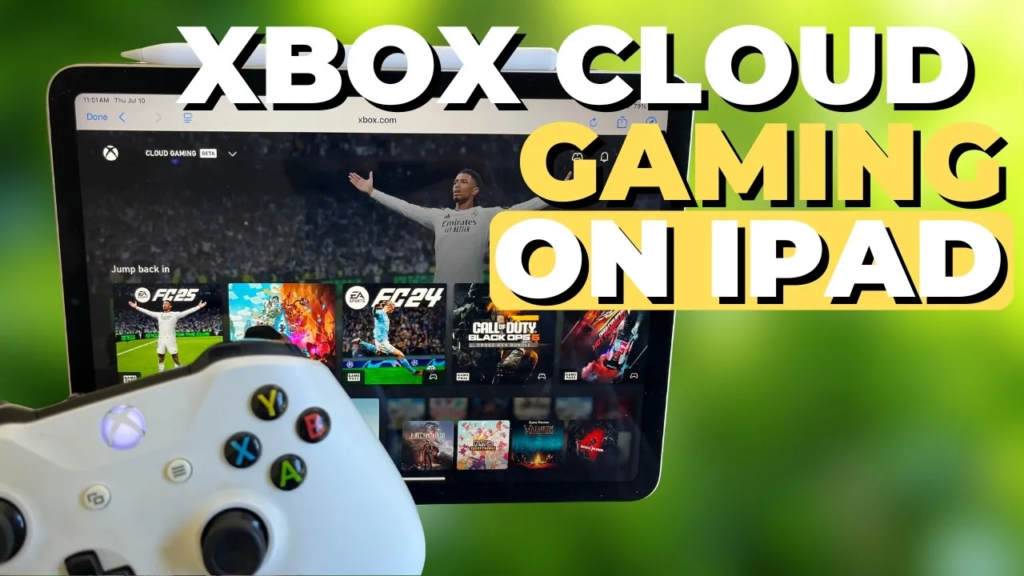
Best Games Available on Xbox Cloud Gaming
Some of the most popular titles you can enjoy include:
- Forza Horizon series
- Halo Infinite
- Minecraft
- FIFA / EA Sports FC
- Gears of War
- Starfield
- Sea of Thieves
These games showcase the platform’s ability to handle both fast-paced action and large open-world environments.
Tips for Better Xbox Cloud Gaming Experience
If you want the best experience, consider the following tips:
Use a Wired or Strong Wi-Fi Connection
Ethernet or strong 5GHz Wi-Fi reduces lag significantly.
Close Background Apps
Free up bandwidth by closing unnecessary apps on your device.
Use a Controller
Controllers provide more precision and smoother gameplay.
Play Near Your Router
Distance affects signal strength and latency.
Avoid Peak Internet Hours
Network congestion can impact performance.
The Future of Xbox Cloud Gaming
The future of Xbox Cloud Gaming looks extremely promising. As internet infrastructure improves globally, cloud gaming is expected to become the primary way people play games.
Microsoft is continuously expanding server capacity, improving streaming quality, and reducing latency. With advancements like 5G and edge computing, the gap between cloud gaming and traditional gaming is shrinking rapidly.
In the future, we may see:
- Near-zero latency gameplay
- 4K cloud streaming
- Full VR cloud gaming integration
- More exclusive cloud-based titles
Is Xbox Cloud Gaming Worth It?
For most casual and even mid-level gamers, Xbox Cloud Gaming is absolutely worth it. It offers flexibility, affordability, and access to a huge library of games without needing expensive hardware.
However, competitive gamers who require ultra-low latency and maximum performance may still prefer traditional gaming setups.
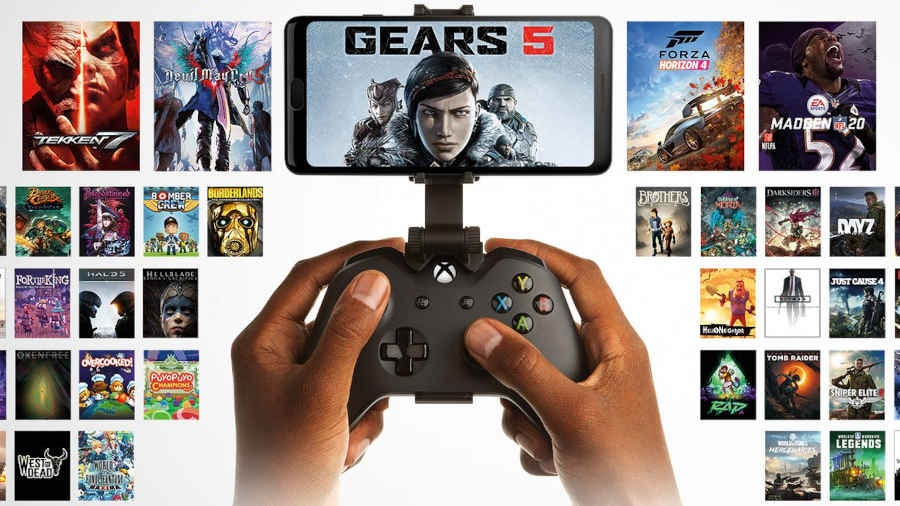
Conclusion
Xbox Cloud Gaming represents a major shift in the gaming industry. It removes barriers like expensive hardware, storage limitations, and lengthy installations, making gaming more accessible than ever before.
While it still has challenges such as internet dependency and slight input lag, its benefits far outweigh the drawbacks for most users.
As technology continues to evolve, Xbox Cloud Gaming is likely to become a standard way of gaming in the future—bringing console-quality experiences to nearly any device with a screen and an internet connection.
