

Introduction
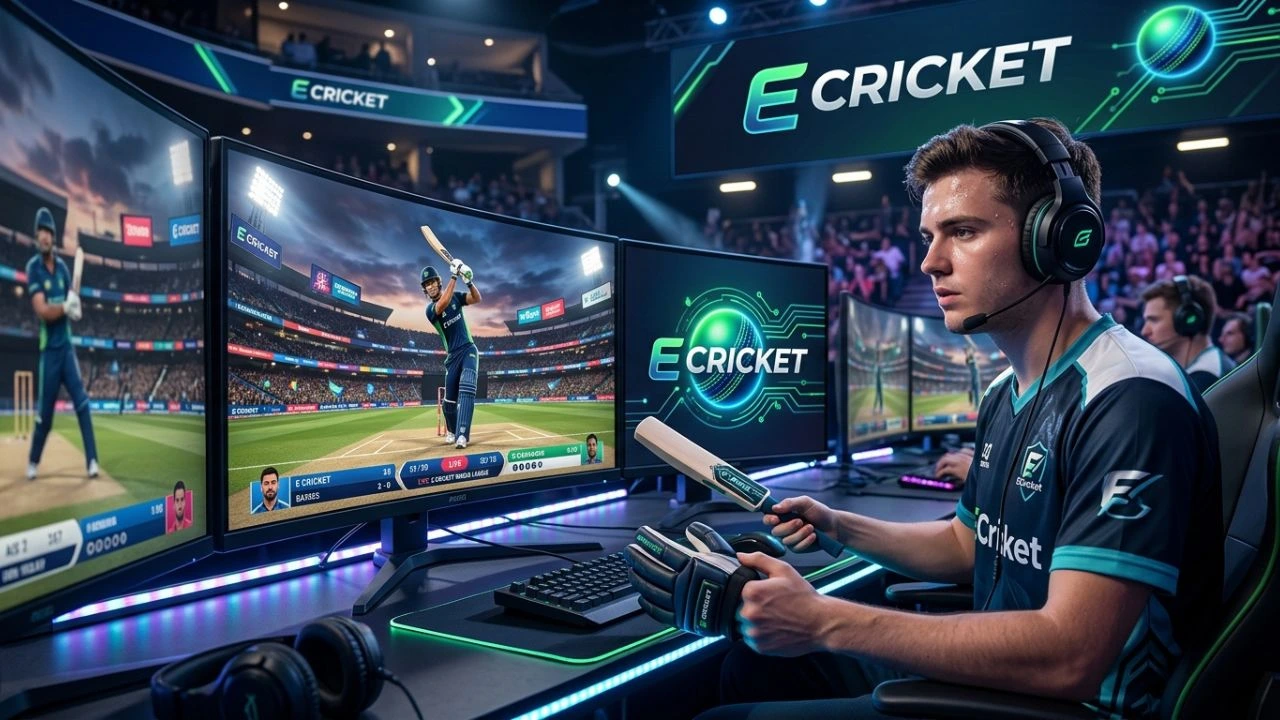
E cricket is a simple way to enjoy cricket through a phone, computer, console, or online platform. Instead of playing on a real cricket ground, players control virtual cricketers and take part in digital matches. Depending on the game, you may be able to bat, bowl, choose a team, manage players, or compete against other people online.
Digital cricket has become popular because it is easy to start and can be played almost anywhere. You do not need a large field, expensive equipment, or a group of friends standing nearby. A short match can often be completed in just a few minutes.
This guide explains what e cricket means, how these games work, common rules, popular features, benefits and drawbacks, and practical tips for beginners. It also explains how to choose a safe and enjoyable cricket game.
E Cricket is mainly focused on digital cricket gameplay. If you want to explore a cricket-focused sports platform as well, check out our guide to EK Cricket.
Table of Contents
- What Is E Cricket?
- How E Cricket Games Work
- E Cricket Rules and Game Modes
- Benefits, Drawbacks, and Tips
- How to Choose the Right E Cricket Game
- Frequently Asked Questions
What Is E Cricket?
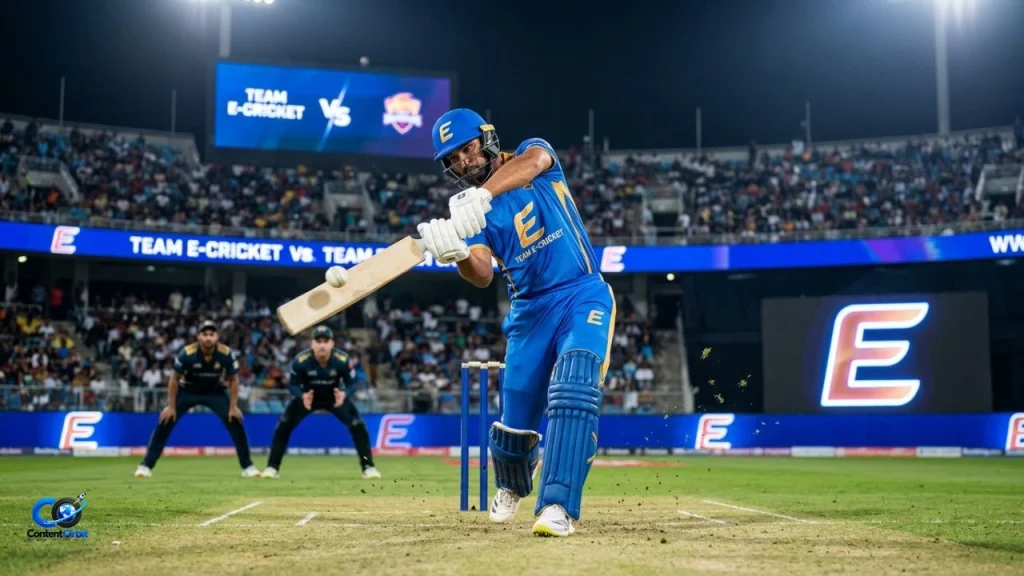
E cricket generally refers to cricket played in a digital environment. The term can describe cricket video games, online cricket platforms, mobile cricket games, and other electronic versions of the sport. The exact meaning can change depending on where you see the term.
A digital cricket game usually gives you control over some or all parts of a cricket match. You may play as a batter, control a bowler, manage a complete team, or simply make important decisions while the computer handles the action.
If you want to know when the game is expected to launch, check our latest guide to the E Cricket Release Date for the current release information.
How Is It Different From Real Cricket?
The biggest difference is the playing environment. Traditional cricket requires a physical pitch, bat, ball, protective equipment, and players. E cricket replaces these physical elements with software and digital controls.
| Feature | E Cricket | Real Cricket |
| Playing area | Digital screen | Physical cricket ground |
| Equipment | Phone, PC, or console | Bat, ball, pads, gloves, etc. |
| Opponents | Computer or online players | Real people |
| Match length | Often adjustable | Depends on format |
| Weather impact | Usually simulated | Naturally changes play |
| Physical exercise | Very limited | High |
| Accessibility | Can be played almost anywhere | Requires a suitable ground |
Digital cricket is especially useful for people who enjoy the strategy of cricket but do not always have the time or space to play outdoors.
It can also help younger players understand basic cricket concepts. They can learn about batting, bowling, wickets, runs, field positions, and match situations while playing.
How E Cricket Games Work
Most e cricket games follow the basic structure of cricket. One team bats while the other bowls and fields. The batting team tries to score runs, while the bowling team tries to take wickets and prevent runs.
Controls depend on the platform. On a mobile phone, you may tap or swipe to play a shot. On a PC or console, buttons, triggers, or keyboard controls may be used. Some games make the experience very simple, while others offer detailed controls.
Batting and Bowling
Batting is often one of the most important parts of digital cricket. A player needs to judge the delivery and select an appropriate shot. A fast ball, spin delivery, short ball, and full delivery may require different responses.
Bowling can be more strategic. Players may select the type of delivery, line, length, speed, and sometimes movement. Good bowling is not simply about throwing the ball quickly. Choosing the right delivery for the situation can make a big difference.
Team Management
Some games go beyond individual matches and include team-management features. Players may select a squad, change the batting order, choose bowlers, adjust field settings, and make decisions during a match.
This creates a management-style experience. For example, if a team needs 20 runs from the final two overs, a player may decide to send an aggressive batter to the crease. Another situation may require a defensive field to protect a small total.
Online Multiplayer
Many modern cricket games offer online multiplayer. This allows you to compete against other players rather than only playing against computer-controlled opponents.
Online matches can be more challenging because human players behave differently from computer opponents. A person may change tactics quickly after noticing your playing style.
A stable internet connection is important for online play. Delays can make timing-based batting or bowling difficult, especially in fast matches.
E Cricket Rules and Game Modes
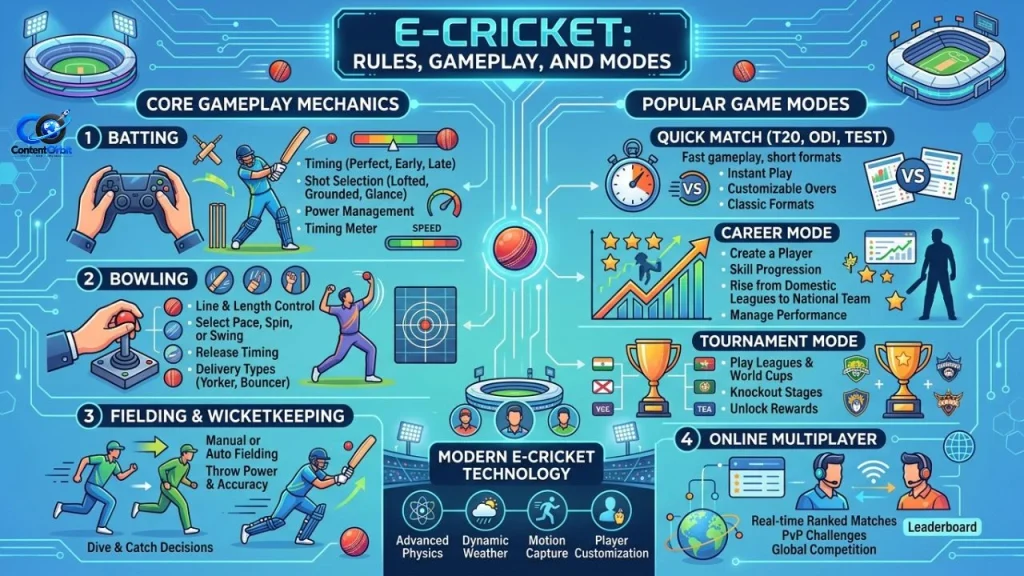
Although digital cricket can include unusual features, most serious games are based on familiar cricket rules. The aim is usually to score more runs than the opposing team.
The game may include formats inspired by T20, one-day cricket, or longer matches. Some titles also create their own short formats designed specifically for quick mobile sessions.
Common Game Modes
You may find several modes depending on the game:
- Quick Match: Start a match without spending much time on setup.
- Career Mode: Develop a player or team over many matches.
- Tournament Mode: Compete through a series of matches.
- Online Multiplayer: Play against other people.
- Practice Mode: Learn controls without worrying about winning.
- Team Management: Focus on selections, tactics, and strategy.
Practice mode is particularly useful for beginners. It lets you learn the controls before entering a competitive match.
Important Cricket Concepts to Learn
Even a simple game becomes easier when you understand basic cricket terms. A few important ones include:
Run: A point scored by the batting team.
Wicket: Usually refers to the dismissal of a batter, but it can also describe the three stumps behind the batter.
Over: A set of six legal balls delivered by a bowler.
Boundary: A shot reaching the edge of the playing area. Depending on how it reaches the boundary, it can score four or six runs.
Strike: The batter currently facing the bowler.
Understanding these terms makes digital cricket easier to follow and helps players make better decisions.
Benefits, Drawbacks, and Tips
E cricket has several advantages. The biggest is convenience. You can enjoy a cricket match without finding a field or gathering a full team.
It can also improve your understanding of cricket strategy. Players learn that timing, shot selection, bowling changes, field placement, and run rates can affect the result.
Another benefit is variety. A digital game can provide different teams, stadiums, weather conditions, match formats, and difficulty levels. Players can experiment with situations that may be difficult to recreate in real life.
Drawbacks to Consider
Digital cricket also has limitations. It does not provide the same physical activity as playing the sport outdoors. Spending too much time sitting and gaming can also become unhealthy.
Some online games may contain advertisements, optional purchases, or competitive systems that encourage players to spend money. Parents should check these features before allowing younger children to play.
Online multiplayer can also expose players to rude messages or unpleasant behavior. Using privacy settings and reporting tools is important when available.
Practical Tips for Beginners
If you are new to e cricket, start with an easy difficulty level. Trying to win immediately against strong opponents can make the game frustrating.
A good beginner approach is:
- Learn the basic controls.
- Practice batting timing.
- Try different bowling types.
- Learn when to attack and defend.
- Play short matches before longer formats.
- Change the difficulty only after becoming comfortable.
Do not worry about losing your first few matches. Digital cricket often requires practice because timing and controls can feel unusual at first.
Expert Advice for Better Gameplay
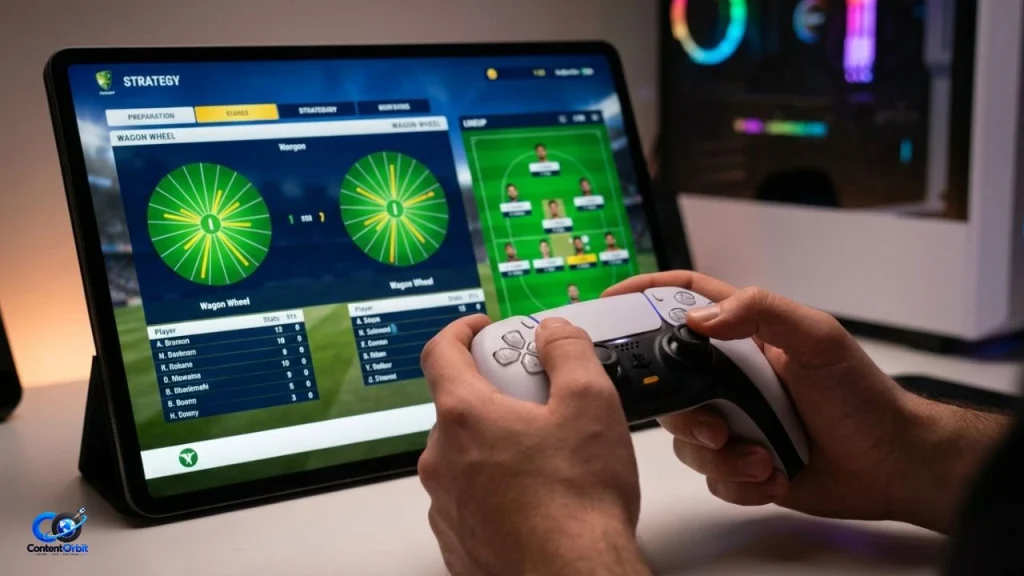
Good players do not always play aggressively. They watch the situation and choose the safest useful option.
For example, if your team needs only a few runs and several wickets remain, there may be no reason to attempt a risky shot. On the other hand, if the required run rate is high, more aggressive play may be necessary.
The same idea applies to bowling. Repeating the same delivery makes your strategy predictable. Changing your line, length, pace, and field can make it harder for an opponent to score.
How to Choose the Right E Cricket Game
The best e cricket game depends on what you want from the experience. A child who wants quick matches may prefer a simple mobile game. A serious cricket fan may prefer a detailed simulation with realistic controls and team management.
Before installing or buying a game, check its platform, controls, game modes, multiplayer options, reviews, and pricing.
What Should You Check?
Look for:
- Supported devices
- Offline and online modes
- Age rating
- In-game purchases
- Advertising
- Difficulty settings
- Controller support
- Multiplayer features
- Update history
- Storage requirements
A game does not need the most realistic graphics to be enjoyable. Good controls and balanced gameplay are often more important.
If you are playing on a phone, also consider battery use and storage space. A large game with advanced graphics may use more battery than a simple cricket title.
Common Mistakes to Avoid
One common mistake is choosing a game only because it has impressive screenshots. Graphics can look great while the actual controls feel difficult or boring.
Another mistake is ignoring in-game purchases. A free download may still contain optional purchases, so check the game’s payment system before playing.
Finally, avoid unofficial downloads from unknown websites. They can expose your device to unwanted software or security problems. Use trusted app stores and official game sources whenever possible.
Official eCricket Website — eCricket Official Website
Conclusion
E cricket brings the excitement and strategy of cricket to digital devices. It gives players a convenient way to bat, bowl, manage teams, and compete without needing a physical cricket ground.
For beginners, the best approach is to start slowly, learn the controls, understand basic cricket rules, and practice before increasing the difficulty. More experienced players can explore online multiplayer, career modes, tournaments, and detailed team strategies.
Digital cricket cannot fully replace the exercise and experience of playing the real sport, but it can be a fun way to enjoy cricket from almost anywhere. Choose a trusted game, understand its features, play responsibly, and focus on improving your skills rather than simply chasing wins.
Frequently Asked Questions
1. What is e cricket?
E cricket is cricket played through a digital platform such as a smartphone, computer, or gaming console. It can include single-player, multiplayer, simulation, and management-style games.
2. Can I play e cricket on a phone?
Yes. Many digital cricket games are designed for smartphones and tablets. Their controls usually use taps, swipes, or virtual buttons.
3. Is e cricket the same as real cricket?
No. It is a digital version or interpretation of cricket. It can copy real rules and strategies, but it does not provide the physical activity of playing outdoors.
4. Can beginners play e cricket?
Yes. Most games provide easy difficulty settings or practice modes. Beginners should start with simple matches and learn the controls gradually.
5. Can I play against other people?
Some e cricket games offer online multiplayer. The exact features depend on the individual game.
6. Does e cricket require an internet connection?
Not always. Some games have offline modes, while online multiplayer normally requires an internet connection.
7. Is e cricket suitable for children?
It can be, depending on the game’s age rating, content, advertising, and payment features. Parents should review these details before allowing younger children to play.
8. What is the best way to improve at digital cricket?
Practice regularly, learn batting timing, experiment with bowling, understand match situations, and avoid using the same strategy every time.
9. Are e cricket games free?
Some are free to download, while others require payment. Free games may also contain advertisements or optional in-game purchases.
10. Is playing e cricket good for cricket fans?
Yes. It can be an enjoyable way to learn about cricket tactics and experience different match situations. However, it should complement rather than replace physical activity.


[…] interested in digital cricket can also explore our detailed guide to E Cricket and learn how digital cricket gameplay […]
[…] you are new to the game, our complete guide to E Cricket explains what the game is, how it works, and what players can […]
[…] you are new to the game, our complete guide to E Cricket explains what the game is, how it works, and what players can expect from this upcoming cricket […]
[…] what makes it different from other cricket games. If you are new to the topic, our complete guide to E Cricket explains what the game is, how it works, and why it is attracting attention from cricket […]